Create a certificateonline in minutes
Choose a template, enter a name and achievement, and download your certificate for printing or sharing. Everything works right in your browser.
- Free
- No installation
- On any device
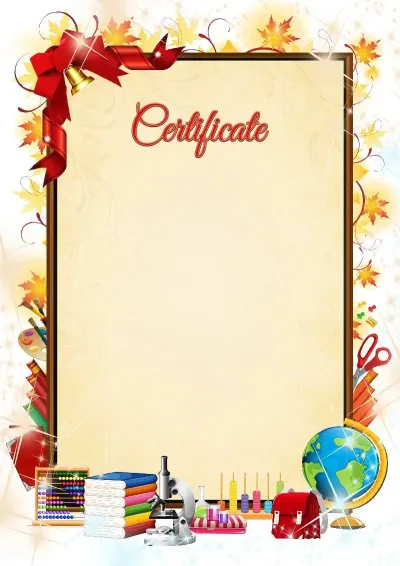
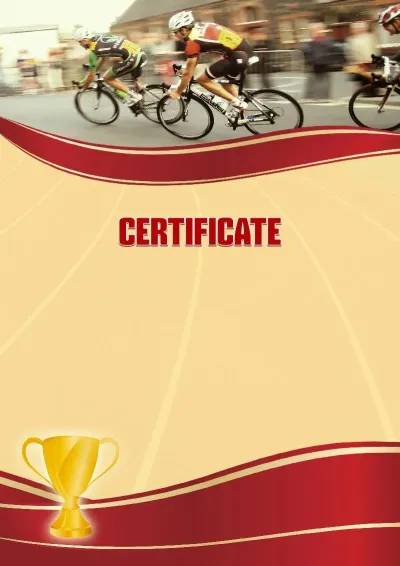
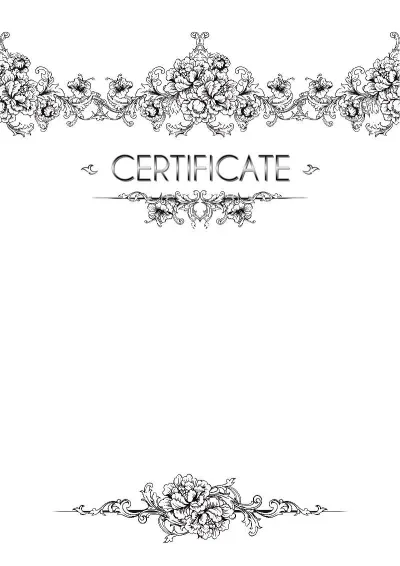
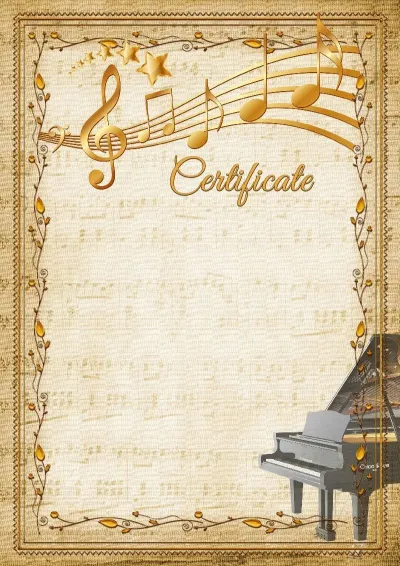
Popular certificates templates
Choose a template, enter your text, and get a ready document
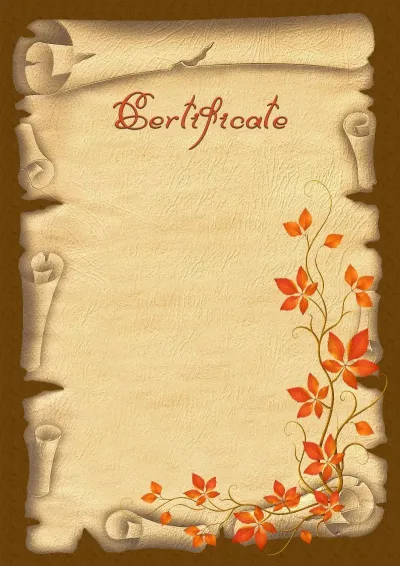 Open
Open
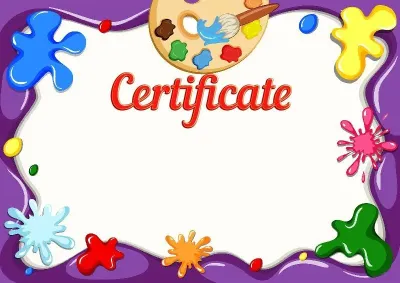 Open
Open
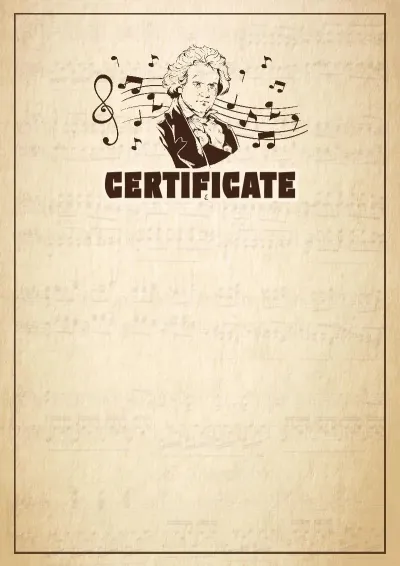 Open
Open
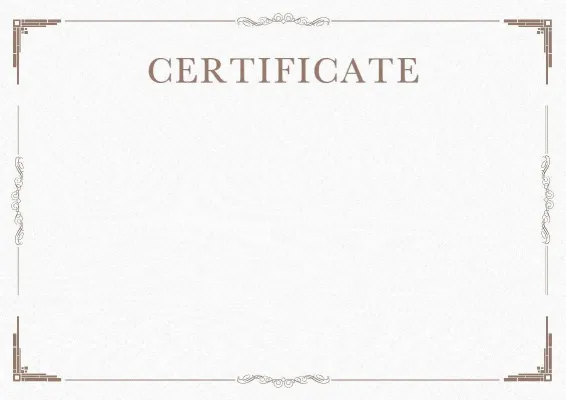 Open
Open
 Open
Open
 Open
Open
 Open
Open
 Open
Open
 Open
Open
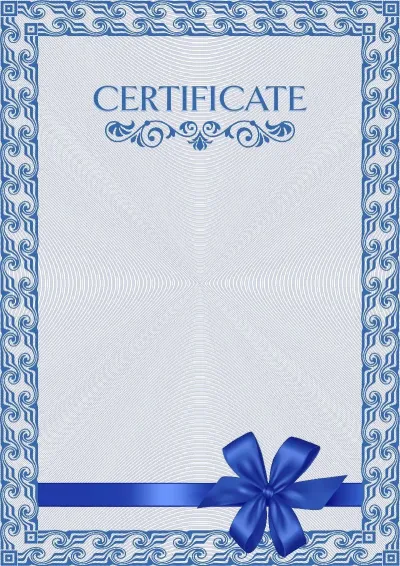 Open
Open
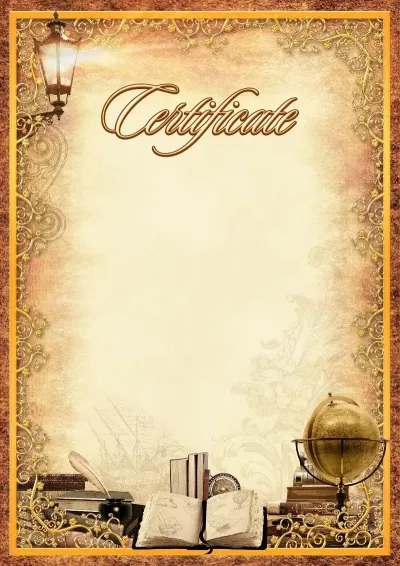 Open
Open
 Open
Open
Certificate in three steps
Select a template
Browse the certificates catalog to find the perfect layout, or upload your own background.
Enter text
Name, achievement, and date — as easy to edit as plain text. Add your signature and stamp.
Download or share
Download as JPG or PDF for printing, or share via email, Telegram, or to your smartphone.
Everything you need to create certificates
Professional tools for your needs
Batch creation
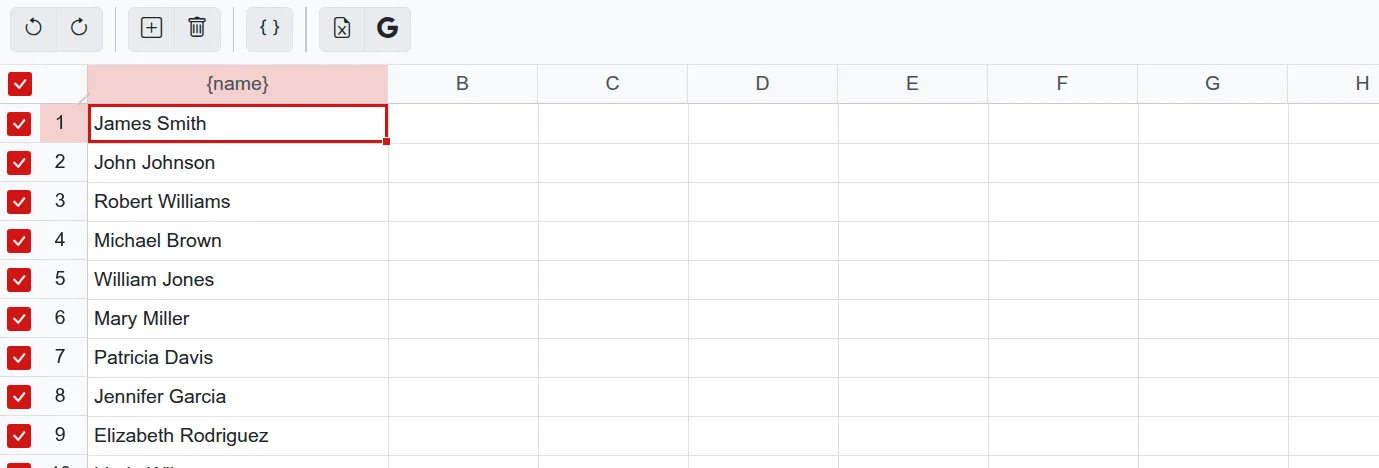
Fill in the name table to generate a certificate for each participant — up to 50 documents at once. You can paste data directly from Excel or Google Sheets.
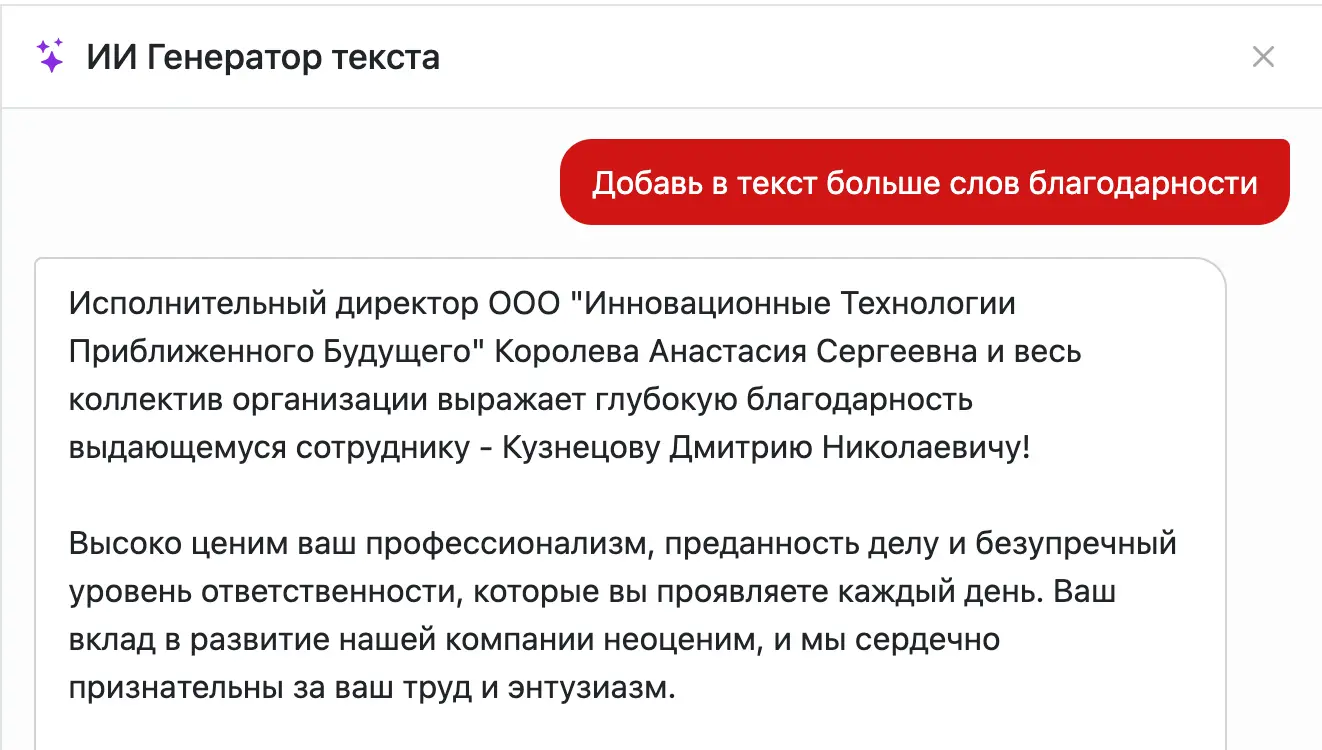
AI Assistant
Not sure how to phrase it? Let AI generate the perfect text for your certificate.
Multipage documents
Multiple pages in one file — convenient for diploma supplements and document sets.

Stamps and Signatures
Upload a photo of a stamp or signature — our AI will neatly remove the background so you can place it on any document just like a real one.
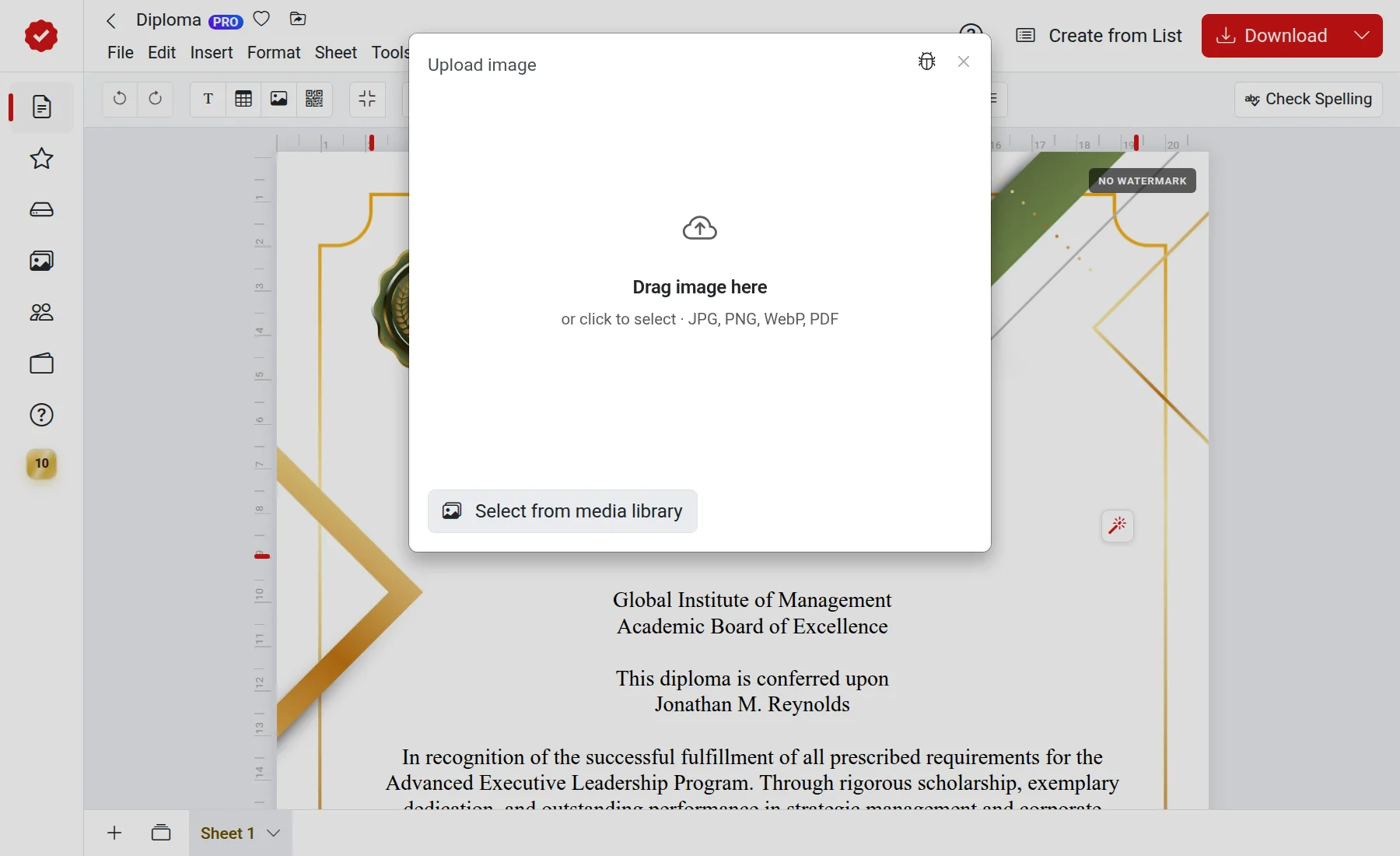
Custom backgrounds and templates
Upload your own image, and it will instantly become the background for your certificate.
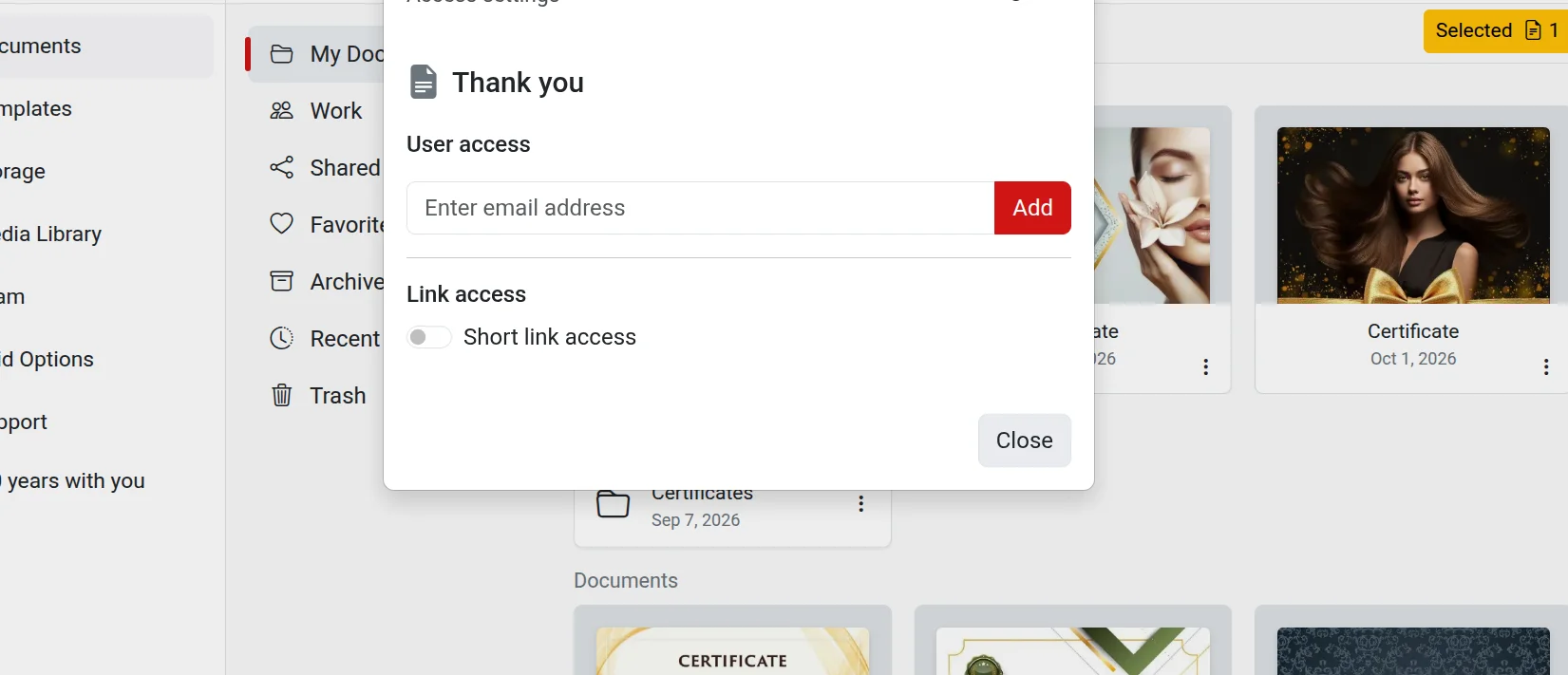
Collaboration
Share the document via a short link or invite colleagues by email.
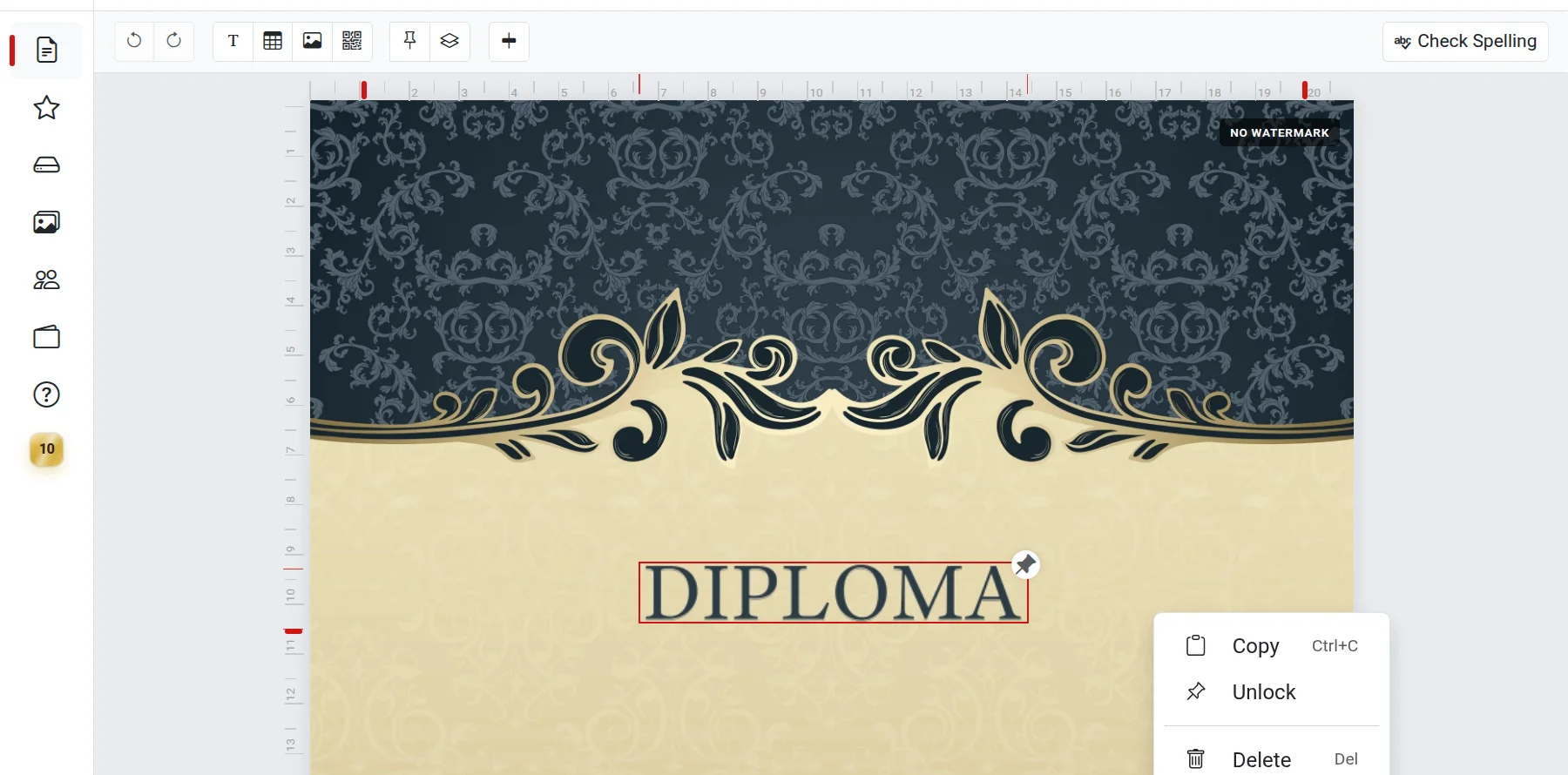
Complete freedom
Headings, coats of arms, stamps, and images — drag and drop any element anywhere on the document.
Create your certificate right now
Free and no installation required — simply open the editor in your browser.
Create certificate