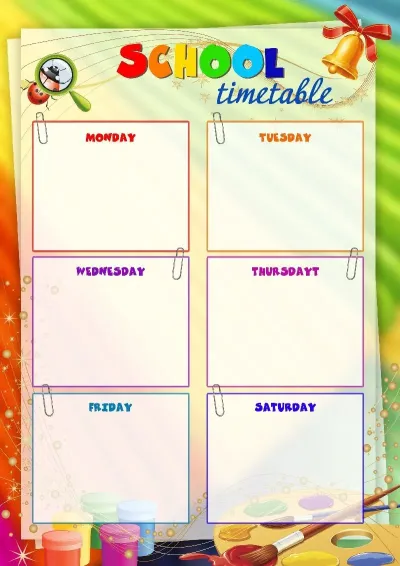
Practical tools
Create awards for the whole class, use official school letterheads and ready-made texts. We've added spell check and shared folders to make managing documentation easy.
Create documents for the whole class, use school templates and share your work with colleagues — without Photoshop or complex editors.
Entire school year
Awards for the whole class
Diplomas for winners
Letters of appreciation for colleagues and parents
For teachers, homeroom teachers, and administration
Create awards for the whole class, use official school letterheads and ready-made texts. We've added spell check and shared folders to make managing documentation easy.
Everyone you invite to the team gets access: homeroom teachers, subject teachers, and administration. No extra payments for new members.
Access is open until June 15, 2027. You can join at any time. We do not use hidden subscriptions or automatic charges.
awards, diplomas and certificates — the entire catalog without limits.
Creating awards for a class from a list is neat and takes minimal time.
Easy preparation for school assemblies, term results, and presenting letters of appreciation to parents.
Unified style of school templates and smooth collaboration for the whole staff.
Add a list of names and achievements, and the service will generate personalized documents. Up to 50 awards at a time, ready to print.
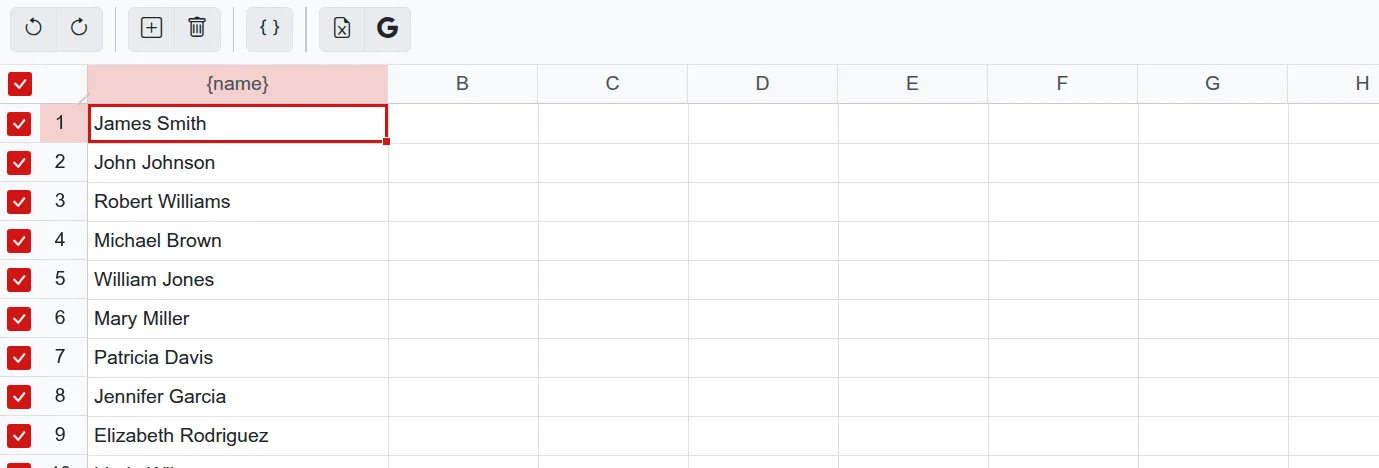
Copy a table from Excel or Google Sheets, and the data will be added to the layout.
Finished works can be downloaded as a single PDF file or an image archive.
A QR code on the document allows students to scan and save the award to their phone.
The catalog features formal, kids', and festive layouts. If your school has an approved letterhead, upload it as a background and use it throughout the year.
Open school templates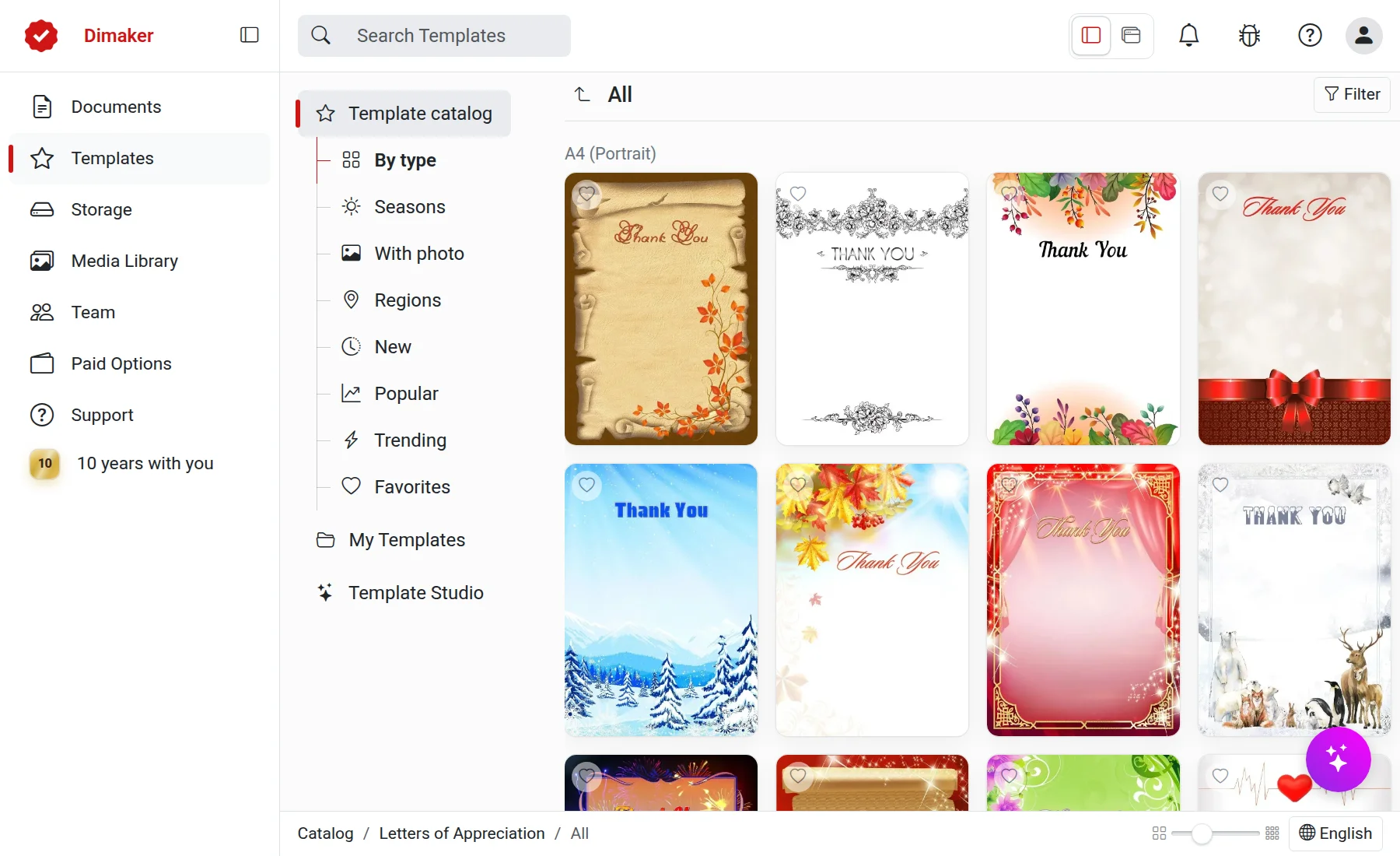
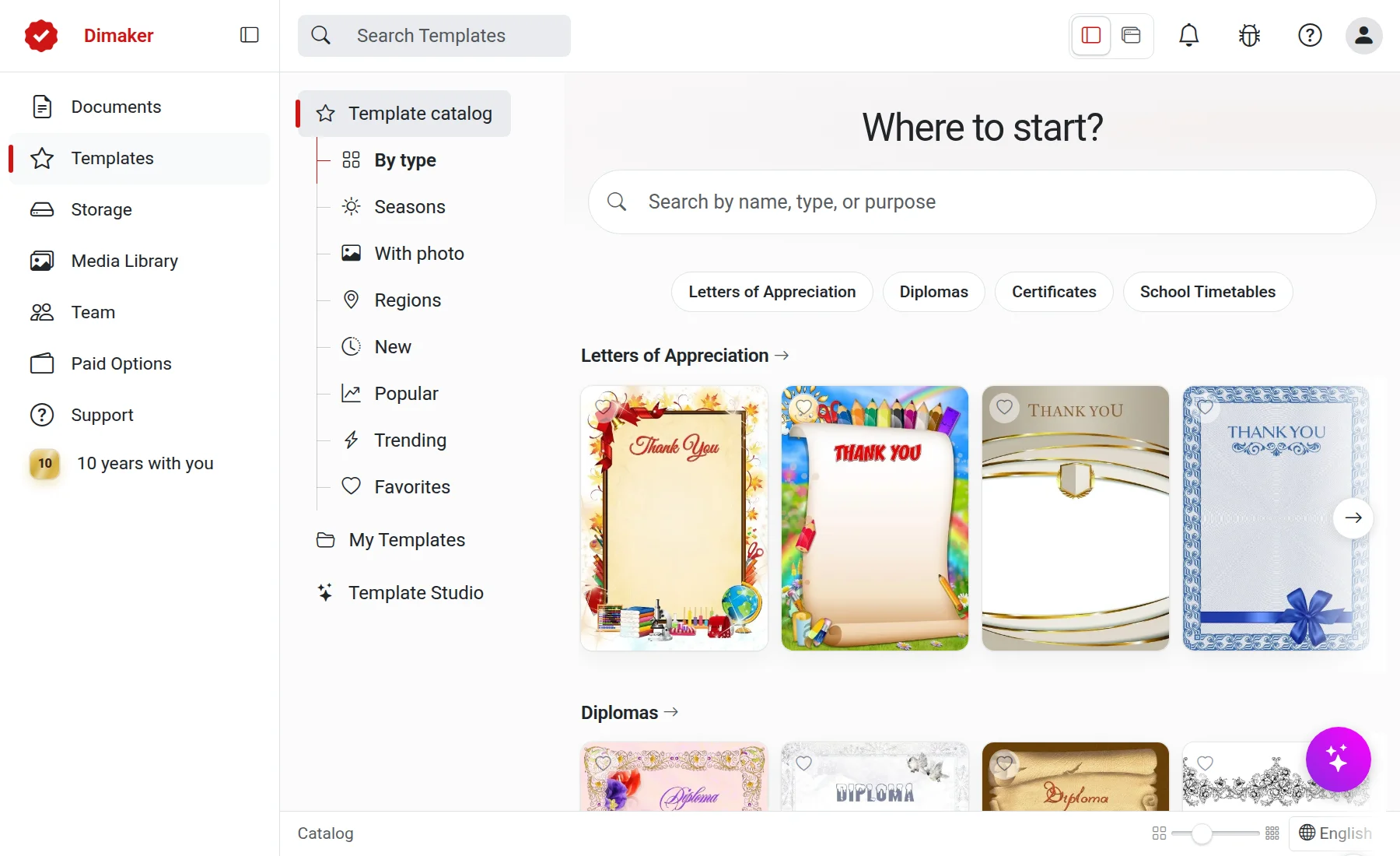
Add student photos or class emblems without using complex graphic editors.
Send documents to the printer directly from your browser, save as PDF, or send via email.
Your work is stored in the cloud. Sorting by class and quick search are available.
Easily send a document to your phone to quickly share it via messenger.
Describe your design preferences, and the Studio will create a suitable template on demand.
15 templates every month
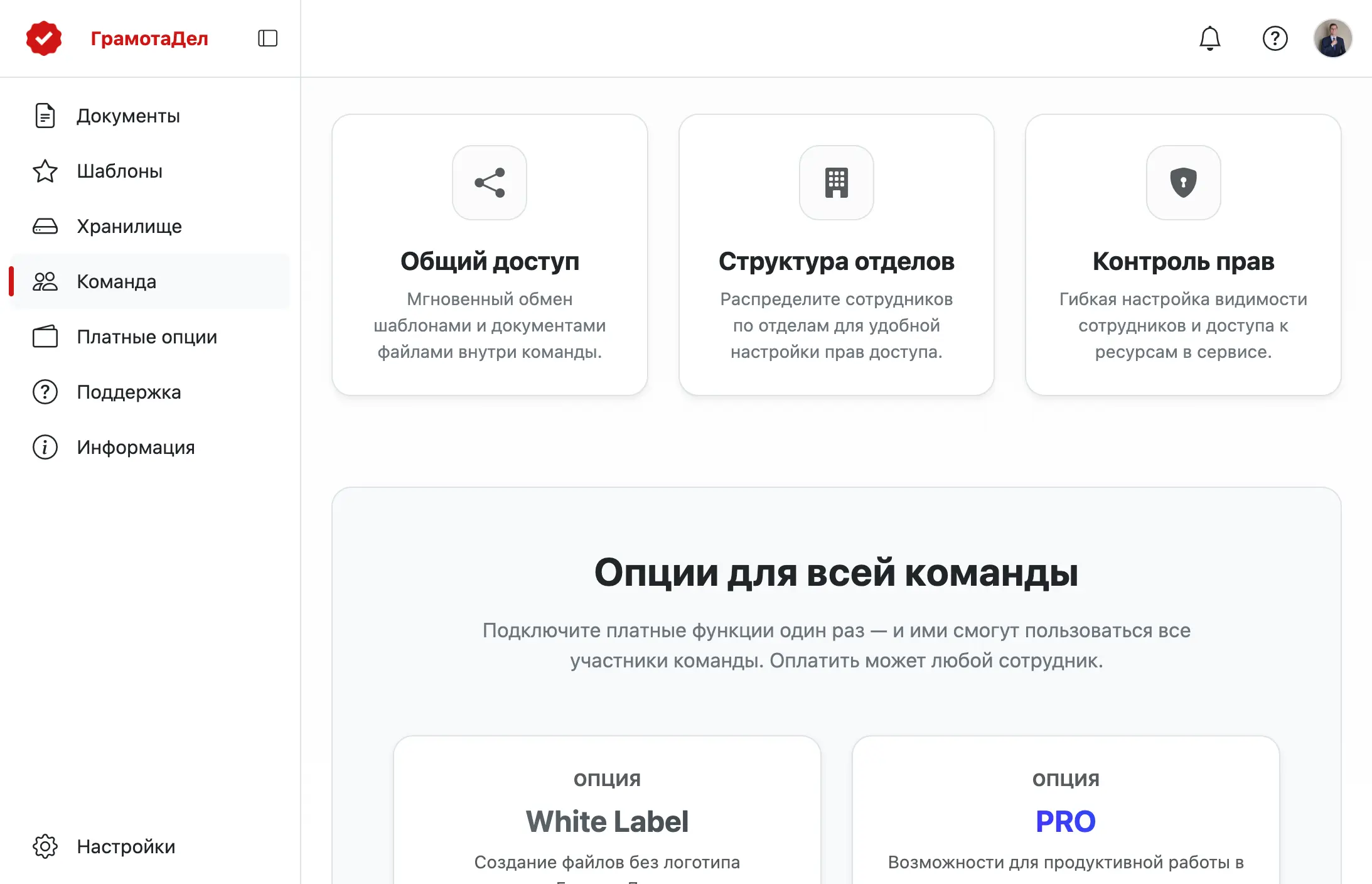
Organize a school team and invite colleagues. Each member will have their own workspace, while it's easy to share necessary folders and work.
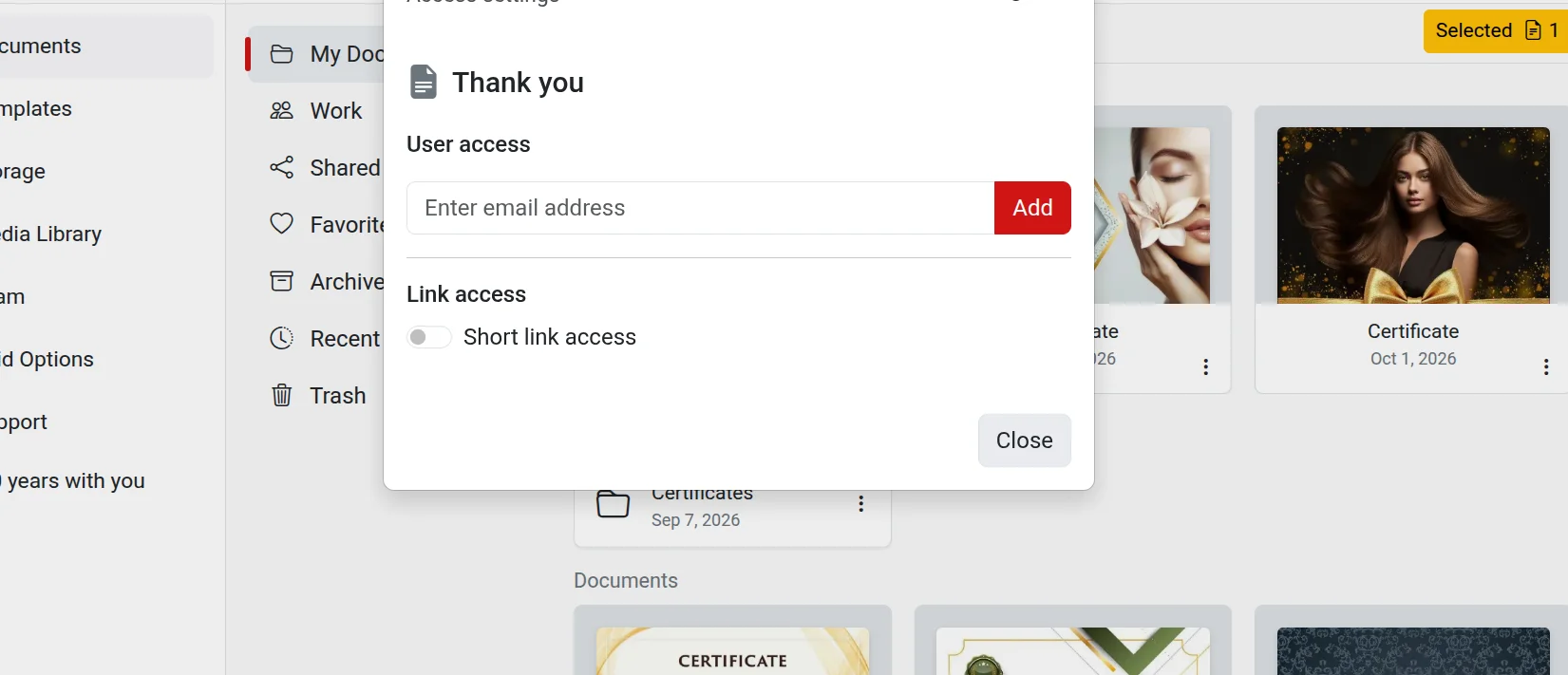
Share access to the document via link. Colleagues can review the text or make adjustments.
No official applications or paperwork.
Log in to the service and create a school team. It's free.
Send the link to the teachers' chat. Colleagues who join will get access along with you.
Choose a plan for schools. Full access for the entire team will be open until June 15.
When awards are made for the whole class, a typo in the template will be repeated in every copy. We've added tools to help avoid this.
A library of ready-made phrases for school events — from assemblies to Olympiads.
Before downloading or printing, check the text: the service will find typos and suggest corrections.
All service features for every teacher you invite to the team. No extra payments for new members. No auto-renewal.
Per school year
$89.10
$44.10
for all school teachers · $4.90 per month
Subscribe for schoolOne-time payment. Secure checkout.
"Combo for schools" includes absolutely all service features: "No Logo" options for all templates and "PRO" with all tools at a discounted price for teachers. The option is valid until the end of the school year.
Any teacher can connect a team independently. There is no need to coordinate this with management. We do not ask for any supporting documents. We trust you.
You can invite any number of employees from your school, and each of them will get full access to the features. Adding users who are not school employees is not allowed.
Until the end of the school year, which is June 15, 2027, regardless of the subscription date. This is a plan for the current school year. You can subscribe at any time.
All your documents will remain in your account. The account will simply switch to the basic mode until the next renewal.
Yes, you can work in the service on your own. If you decide to invite colleagues later, you won't have to pay extra for them.