Features

EverythingDimaker can do

A complete set of tools for creating award documents: from a convenient text editor to bulk generation from a list and AI assistants.

Editor

Standard text editor

No complex design software — everything is intuitive and familiar

User-friendly editor

Creating a certificate or diploma is as easy as typing text in your usual office editor. All tools are right at hand.

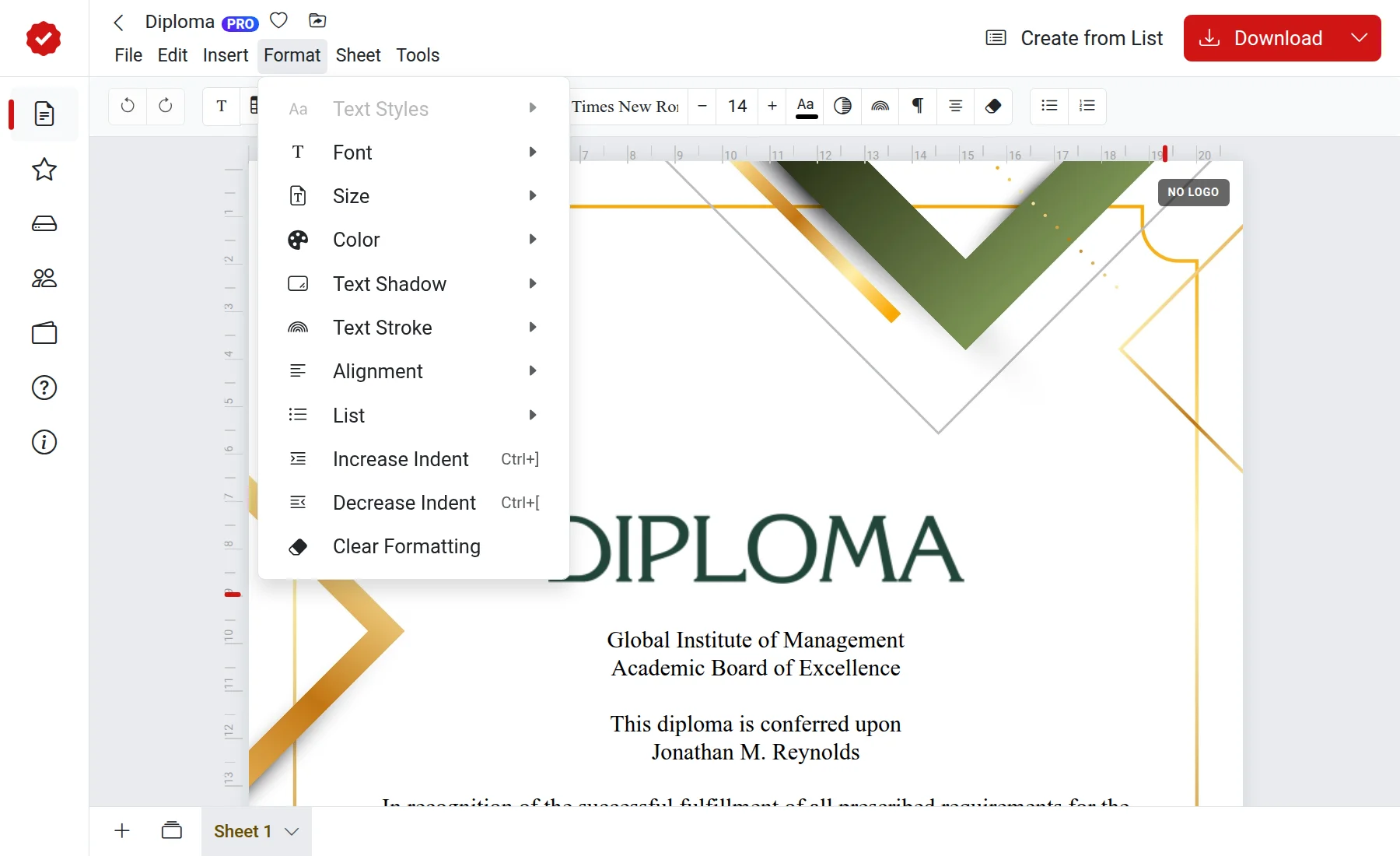
  • Text styles, size, color, and alignment
  • Lists, indents, and tables
  • Shadow and stroke for headings
Text formatting menu in the editor

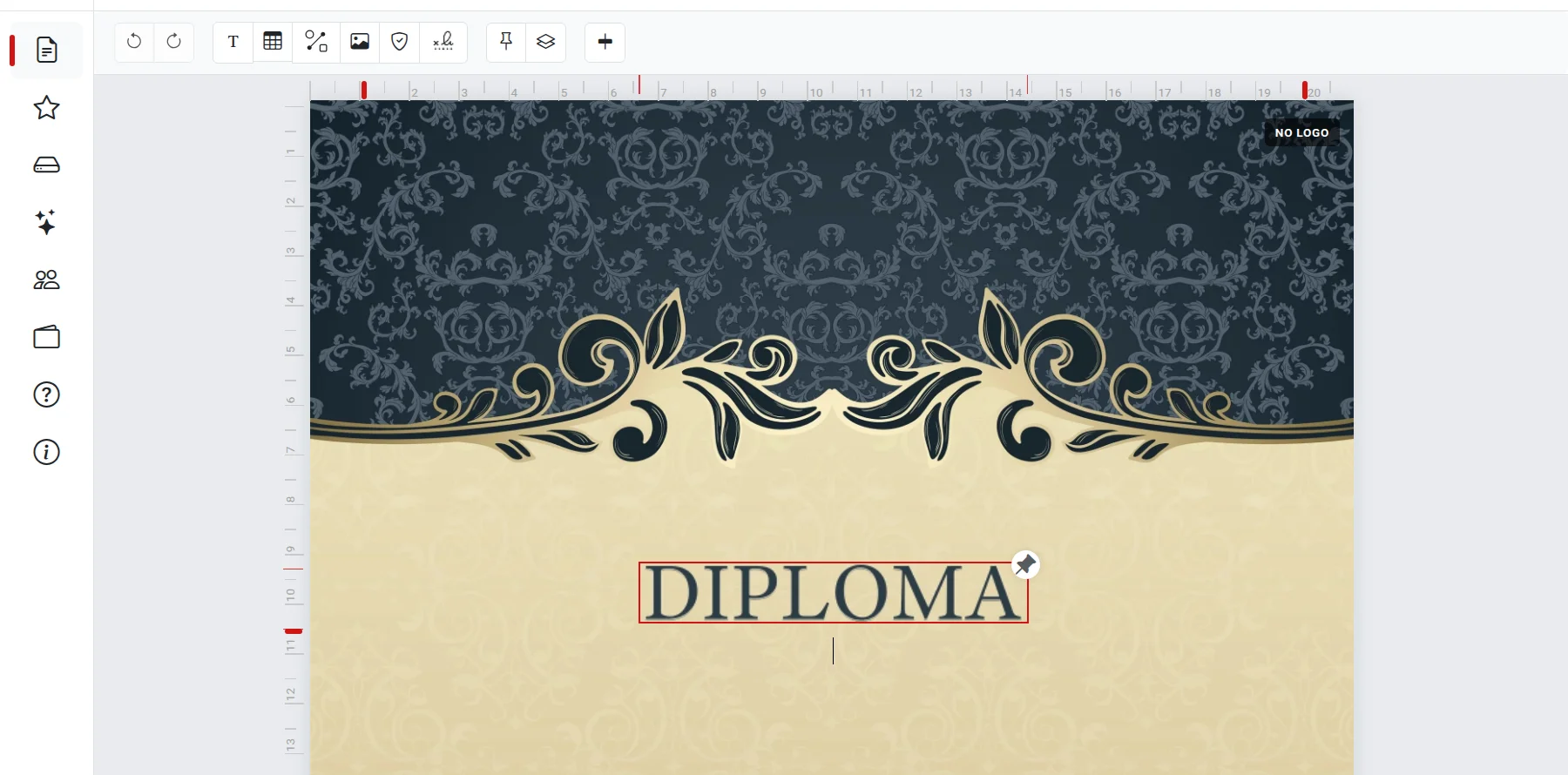
Floating blocks — complete freedom

Grab and drag any element anywhere on the page: a heading, emblem, stamp, photo, or QR code.

  • Drag, rotate, and resize
  • Shapes, images, and QR codes
  • Layers and precise page alignment
Floating text block on the document

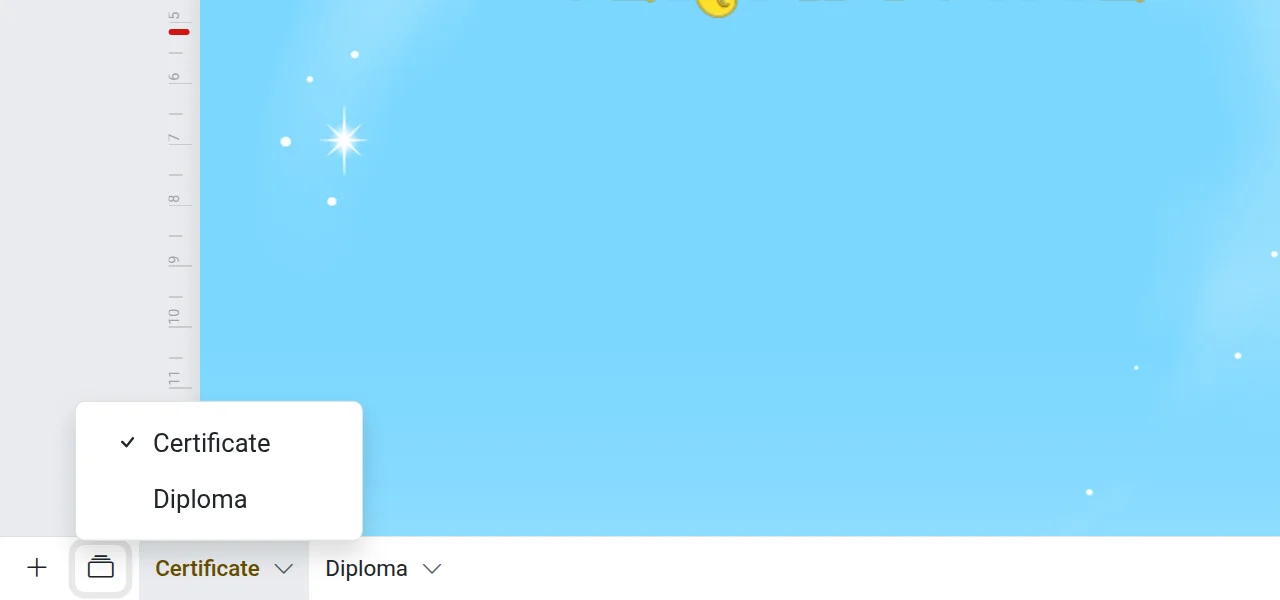
Multipage documents

Multiple pages in one file — perfect for diplomas with transcripts and document sets.

  • Add, duplicate, and hide pages
  • Any page format
  • Rulers, margins, and centering
Pages of a multipage document
Working with text

The text is ready — no extra edits needed

AI will write the wording, or you can choose a ready-made text for a certificate of merit or diploma from the library.

AI Assistant

Describe who the document is for and why — the assistant will draft the official text and insert it onto the page with formatting.

Choose text

Ready-made wordings for certificates of merit, diplomas, and letters of appreciation

Spell Check

Smart check will find typos and suggest corrections before downloading

Create from list

Batch creation in minutes

Add variables to the template, fill in the table with names, and get ready-made personalized documents for everyone

dimaker.online
Bulk document generation table
Up to 50 documents at once

With one click — the whole class or all contest participants

Excel and Google Sheets

Paste data from the clipboard or upload a ready-made table

ZIP archive or a single PDF

Download all files at once — in a print-ready format

Download

"Scan and Download" QR code

Insert a QR code with a link so the recipient can scan it and download the file

How it works

A QR code linking to the finished file in permanent and unlimited Storage.

  1. Insert a 'Scan and Download' QR code into the document
  2. Save the file to Storage and do not delete it
  3. Print the form and hand it to the recipient
  4. The recipient scans the QR code and downloads the file
Dimaker AI

AI tools

Create a unique design or prepare stamps and signatures

Dimaker AI

Template Studio

A new way to create a file: describe your idea, add a logo, and get a template ready to edit or print.

Background removal for stamps and signatures

Take a photo of a stamp or signature on a plain sheet — the AI will carefully remove the background, and you can place it on any document just like a real one.

  • Works with photos and scans
  • Your stamp collection is always at hand
  • Transparent background without manual editing
Design

Everything for a formal look

Fonts, stamps, and custom backgrounds right in the editor

QR codes on the document

Add a QR code with a link to a website, portfolio, or video. You can place it anywhere on the page and adjust its size.

50+ fonts

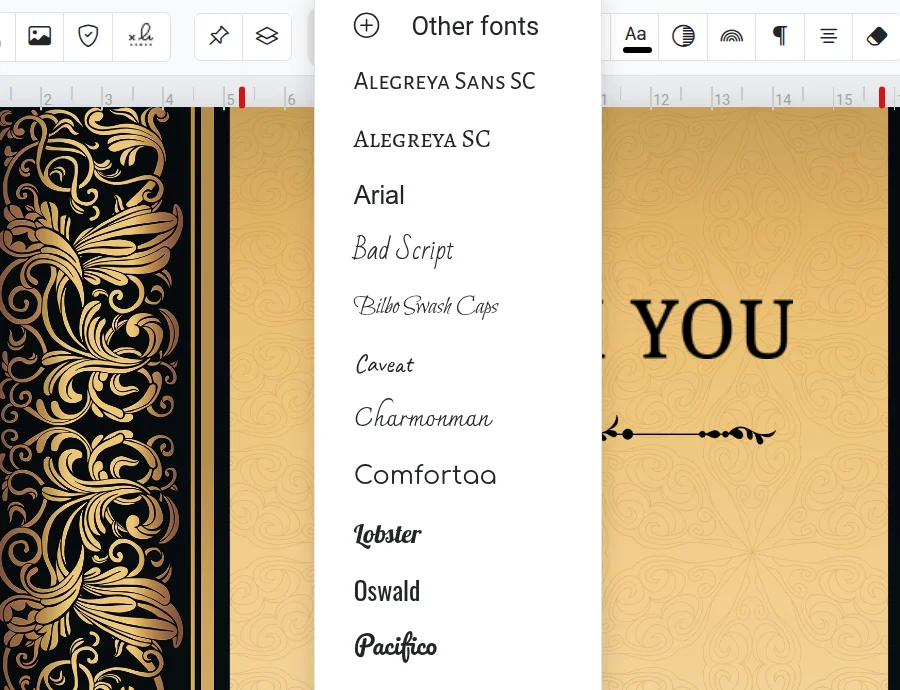
Formal, handwritten, and decorative — with full English support. Add your favorites to "My Fonts".

Font selection in the editor

Stamps and Signatures

Upload your stamp or signature once and place it on any documents from your personal collection. AI will remove the background.

Custom backgrounds

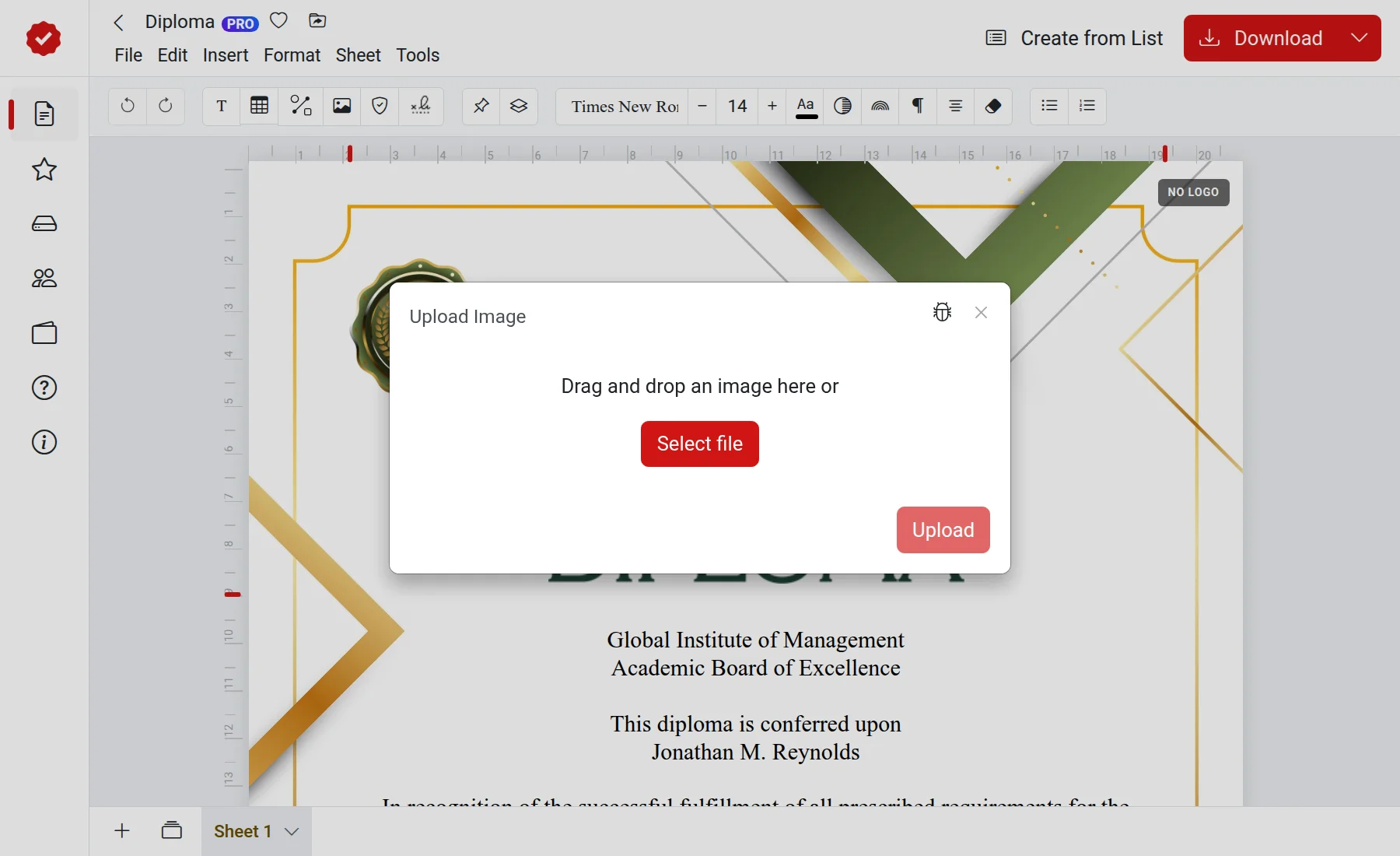
Upload any image, and it immediately becomes the base of the document. Have a ready-made company letterhead? Just add it to the page.

Uploading a custom background to the page
Templates

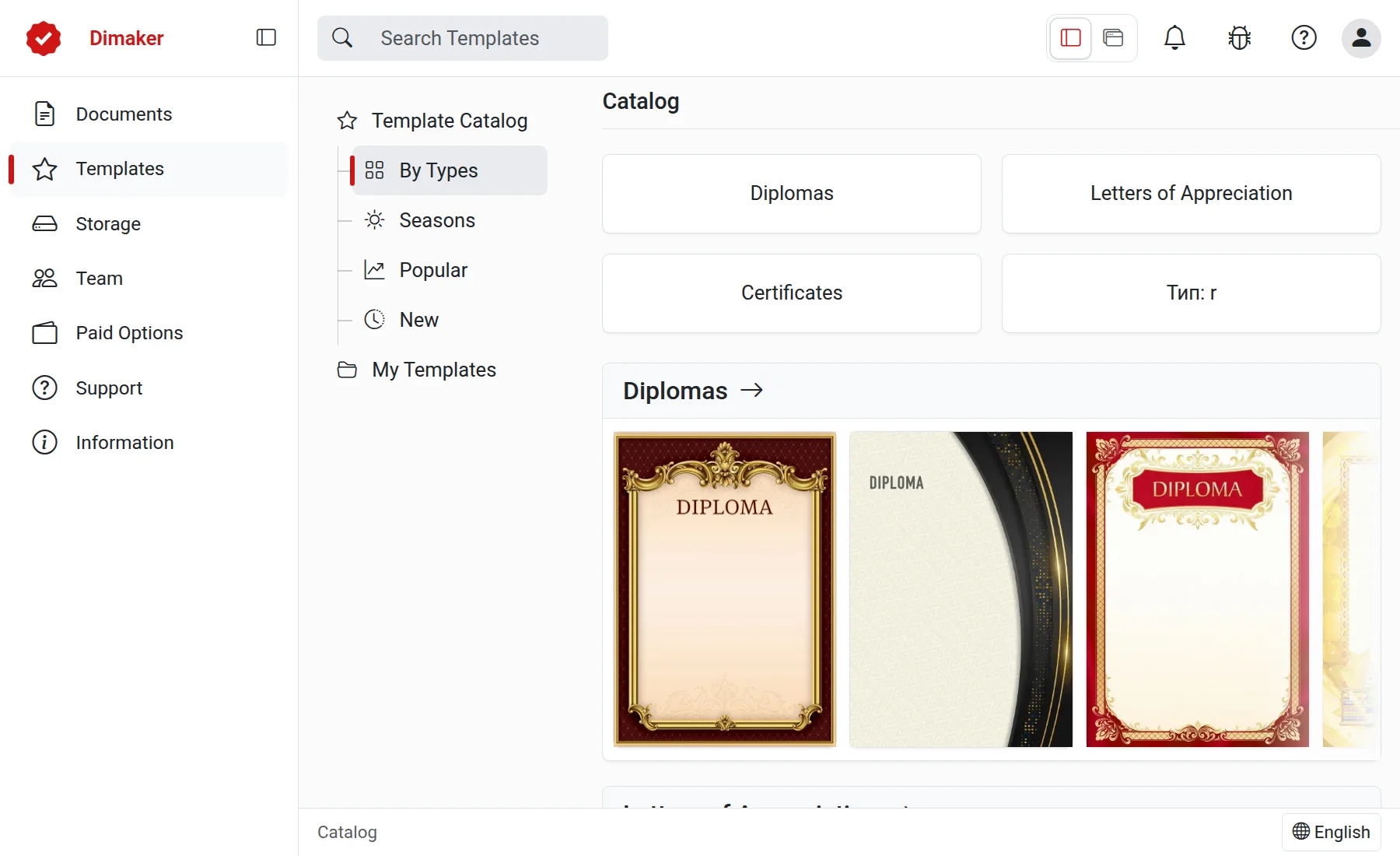
A catalog for any occasion

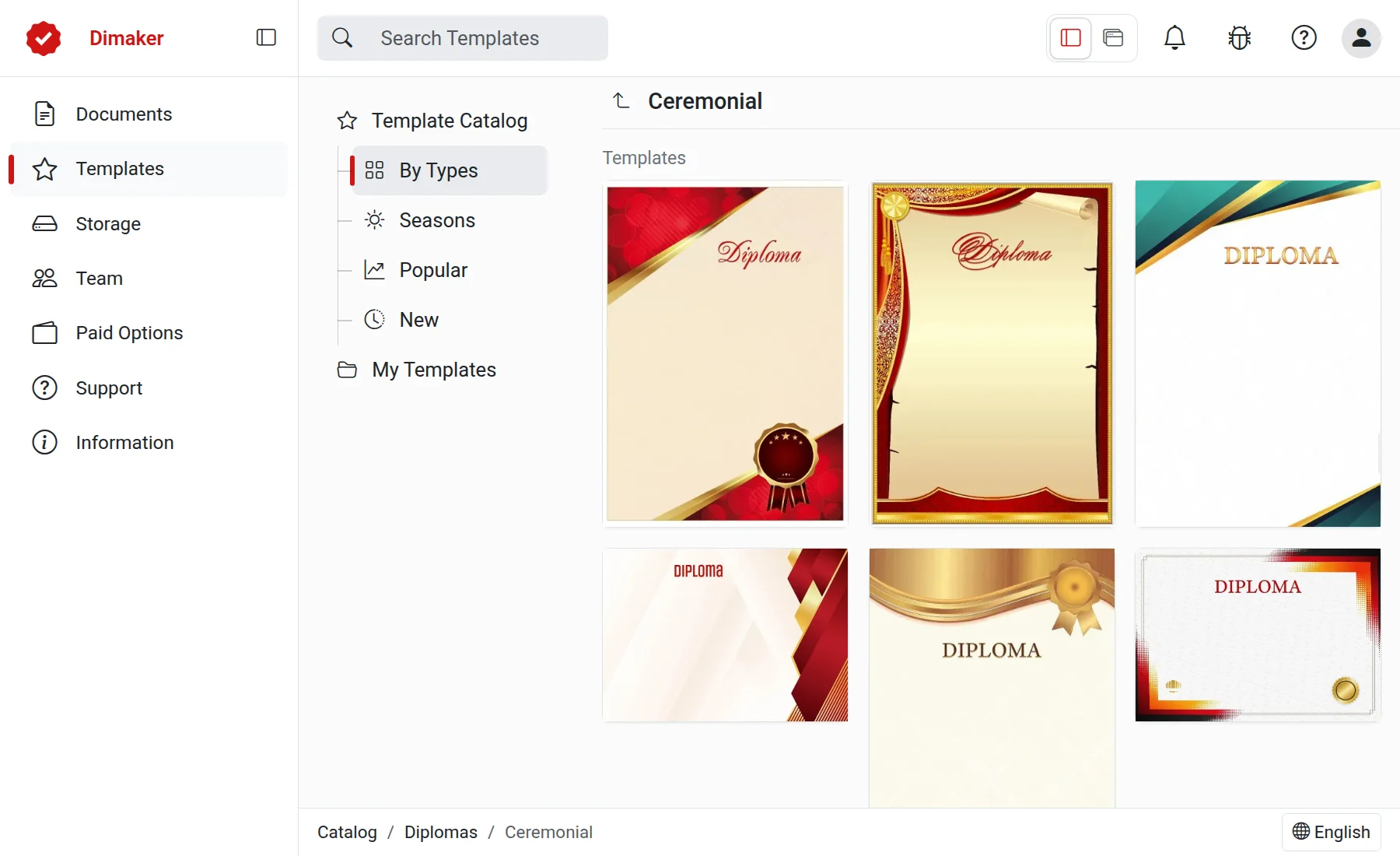
Over 500 ready-made templates and backgrounds: official, formal, school, sports, and kids. New ones are added regularly.

  • My Templates

    Save your drafts and use them again

  • Seasonal collections

    For various seasonal events

Open catalog
Certificate templates Template Catalog
Export and share

Finished document — anywhere you need

Download, print, or share right from the editor

Download

JPG for sharing and publishing, PDF for high-quality printing

Print

Send to the printer directly from the editor, no extra steps

Email

Forward the document to your email

Telegram

Link your account and receive files right in the messenger

To smartphone

Send the document to your mobile device with one click

ZIP archive

All documents created from a list in a single archive

Storage

Organize documents just like in a file manager

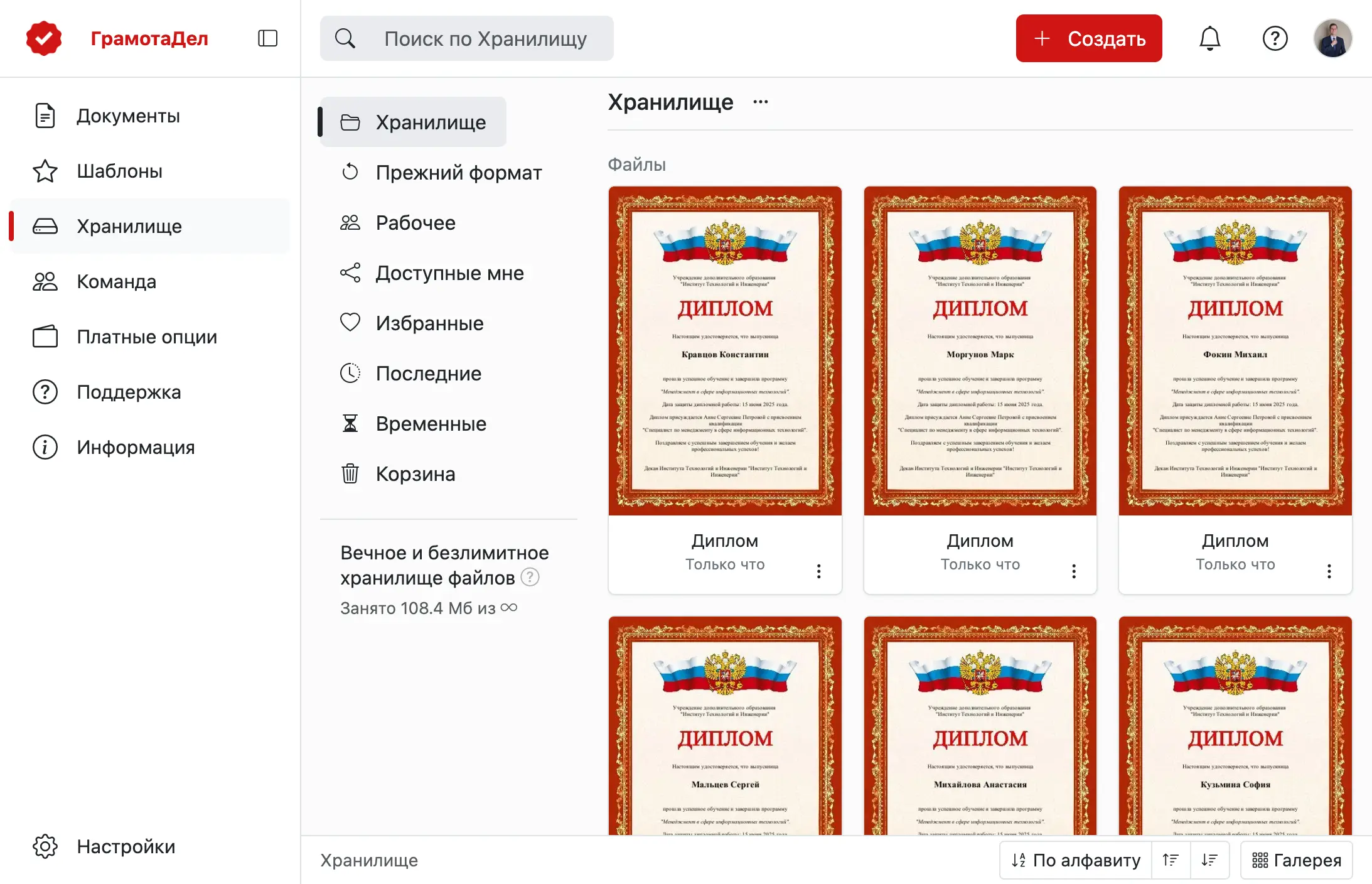
All documents and finished files are stored in the cloud and accessible from any device. Organize them the way you like.

  • Folders, favorites, archive, and trash
  • Quick search by name
  • Permanent storage for finished files
Ready files storage
Collaboration

Work together — from a few colleagues to the entire company

Document sharing

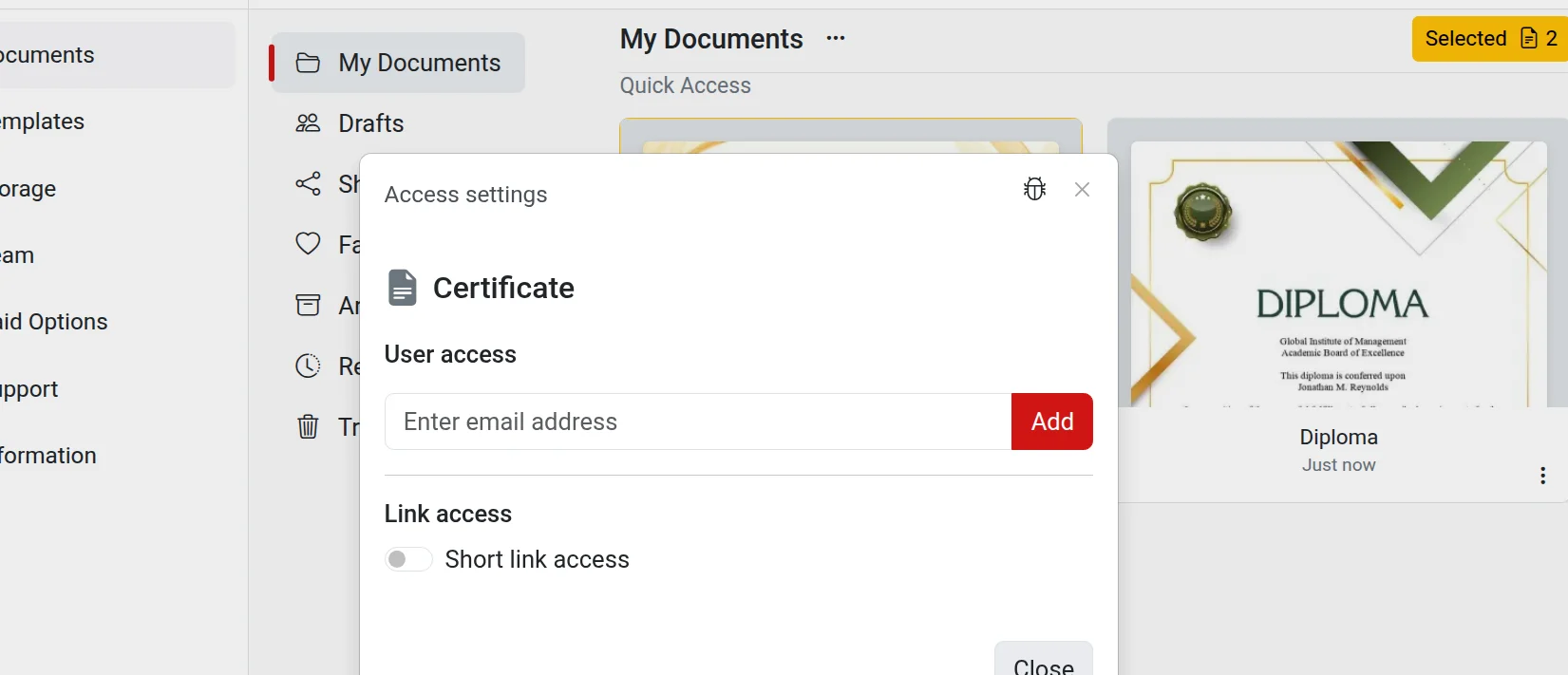
Share the document via a short link or invite colleagues by email.

  • Role-based access for employees
  • Shared documents section for each member
Document sharing settings

Teams and departments

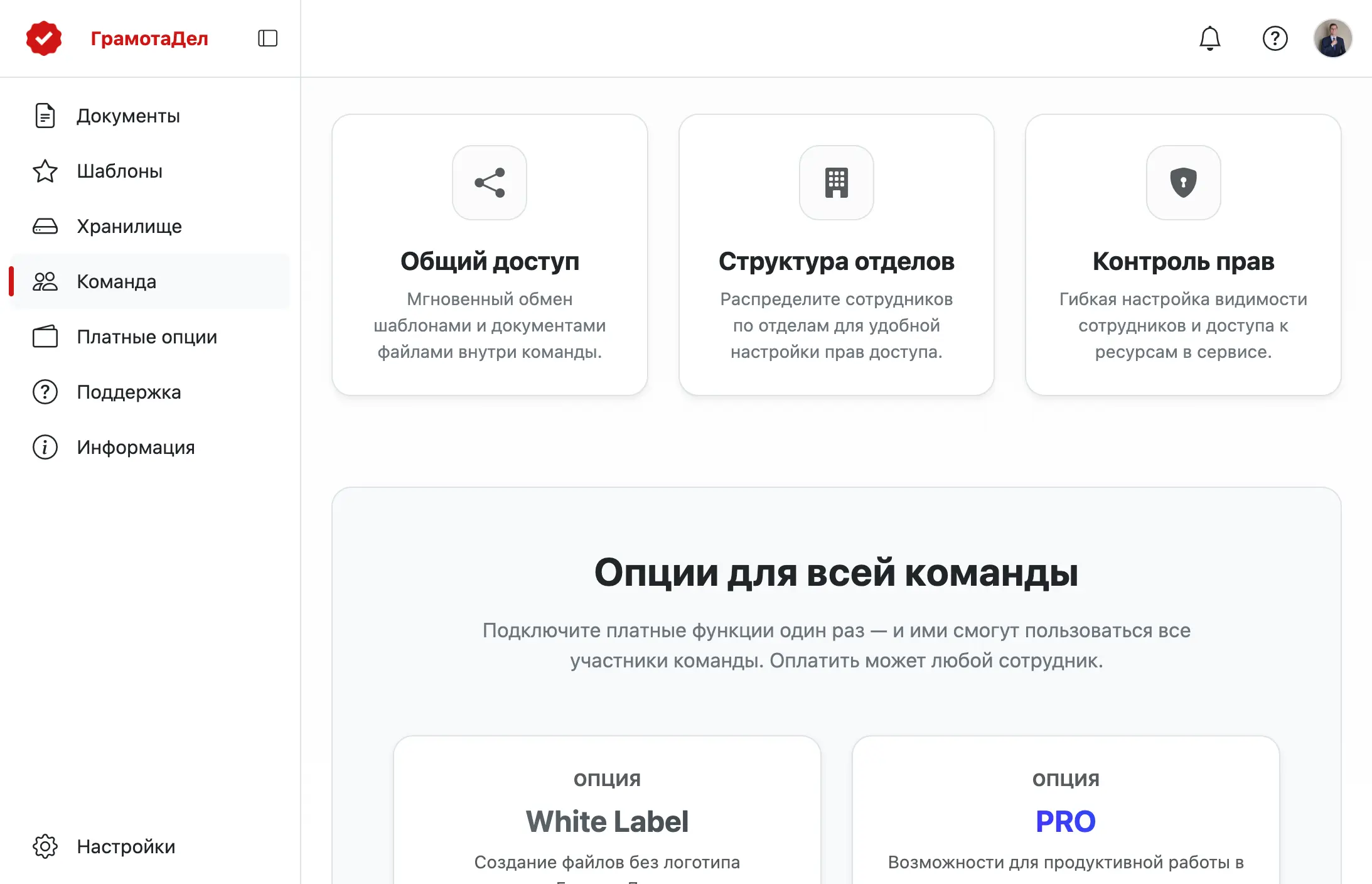
Create an organization team: shared templates and documents, department structure, and flexible access settings for every employee.

  • Invite via link or email
  • Consistent document style for the whole organization
  • Premium features — instantly for the whole team
Team section in the app

And dozens of other handy features

Rulers and margins Dark mode Keyboard shortcuts Desktop mode Search documents Favorites

Try all the features yourself

Open the editor and create your first document.
Free and no registration required.

Open Editor