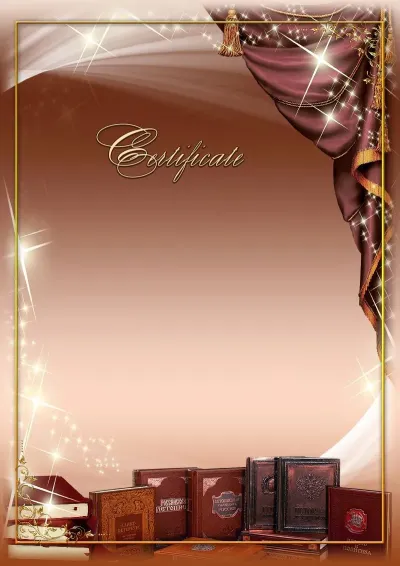
Certificate Template «School Years»
-
Free to use Create a document right in your browser — no installation required
-
High-quality file 2480×3508 (300 DPI) · A4 (Portrait)
-
Download as JPG or PDF File ready for print, email, or messaging
-
On any device Computer, tablet, or phone — the same editor everywhere
 School
- Free
- No installation
- Right in your browser
This layout in other documents
One design — different document types
School certificates
More templates in this section — choose the right layout
 Open
Open
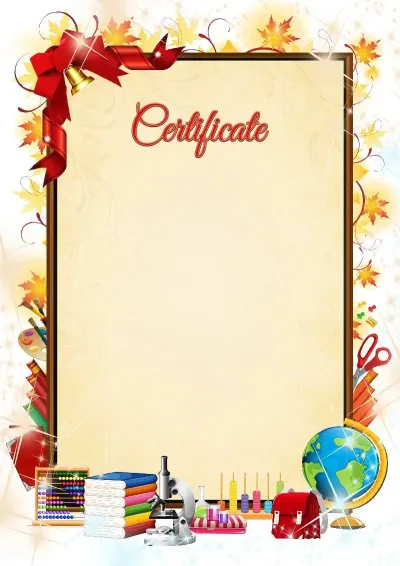
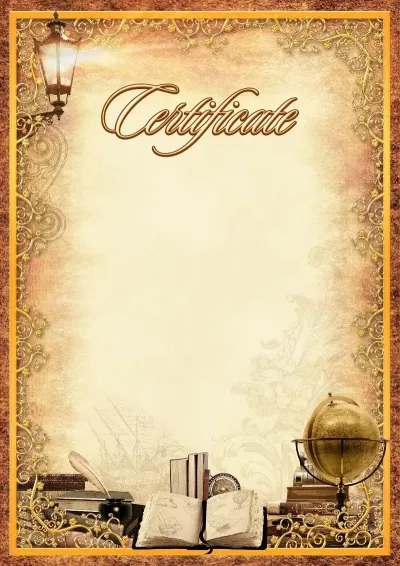
School certificate template «Autumn Day»
 Open
Open
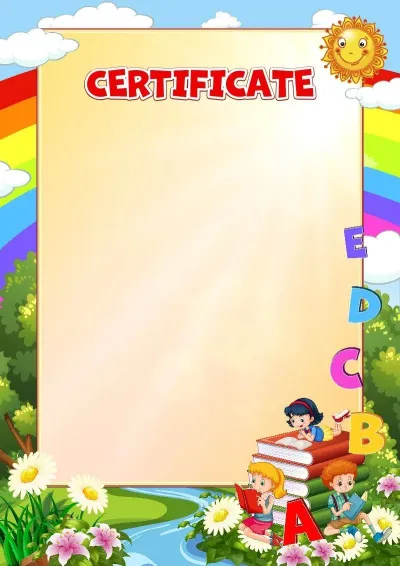
School Certificate Template 'Time Travel'
 Open
Open
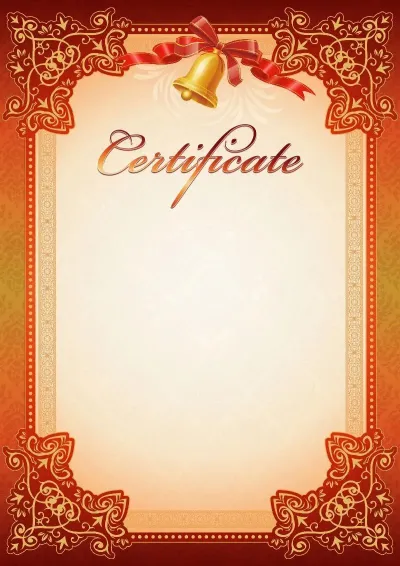
School certificate template «I've Read the ABCs»
 Open
Open
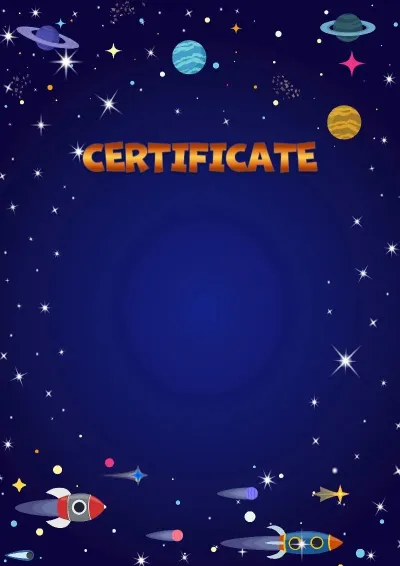
School certificate template for the end of the school year
 Open
Open
Children's certificate template 'Space Flight'
 Open
Open
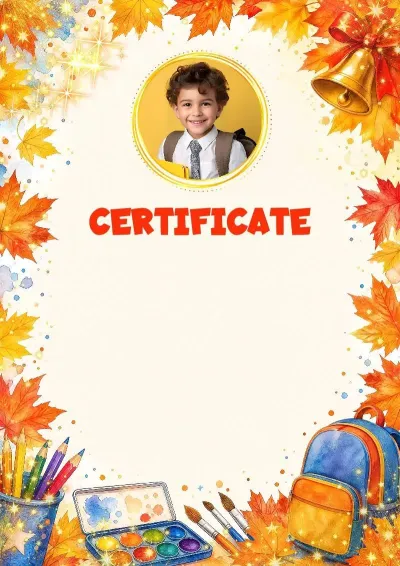
Certificate Template 'School Heights'
 Open
Open
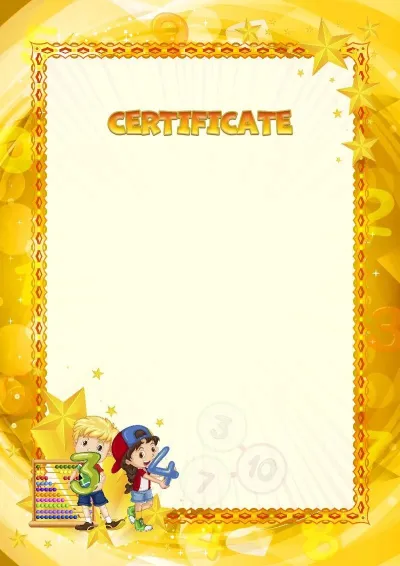
School certificate template 'Mental Arithmetic'
 Open
Open
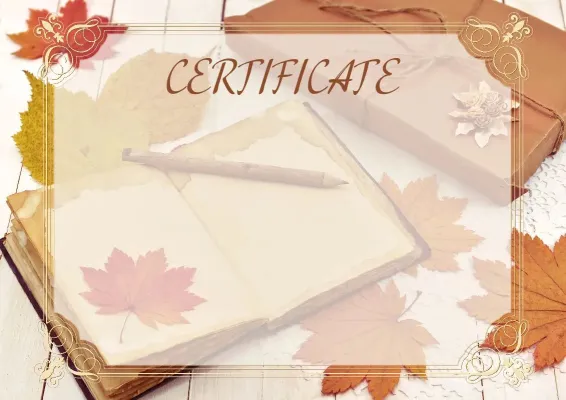
School certificate template «Warmth of Autumn»
Certificate in three steps
Open template
This layout is ready: headers, emblems, and design are in place. Just add your text.
Enter text
Name, achievement, and date — as easy to edit as plain text. Add your signature and stamp.
Download or share
Download as JPG or PDF for printing, or share via email, Telegram, or to your smartphone.
Everything you need to create certificates
Professional tools — right in your browser
Batch creation
Fill out the table with names and get certificate for each participant, up to 50 documents at once.
AI Assistant
Not sure how to phrase it? Let AI generate the perfect text for your certificate.
Stamps and Signatures
Upload a photo of a stamp or signature — AI will neatly remove the background, so you can place it on any document.
Create certificate from this template
Free, no installation required — open the editor and add your text. You'll get a high-quality file, ready for print.
Create certificate for free