Text blocks
All text on the page lives inside text blocks. There are two types: inline and floating. The difference is simple: an inline block behaves like a page in a standard text editor, while a floating block acts like a sticker that you can place anywhere on the page.
Inline block
If there is only one text block on the page and it occupies the area between the margins, it becomes inline with the canvas. This is how most templates are designed.
- Text wraps within the margins, just like in a Word document.
- Rulers appear above and to the side of the page — drag their markers to adjust the margins.
- You don't need to select and move the block: just click on the page and start typing.
An inline block is convenient for the main text of an award or letter.
Floating block
A floating block can be dragged anywhere with your mouse, resized by its corners, and rotated. It is ideal for a signature, date, job title, or document number — anything that needs to be in a specific place.
How to add:
- Go to Insert → Text block or right-click on an empty area of the page and select Text block.
- The block will appear in the center of the page.
- Double-click it to start typing, and drag it by its frame to the desired location.
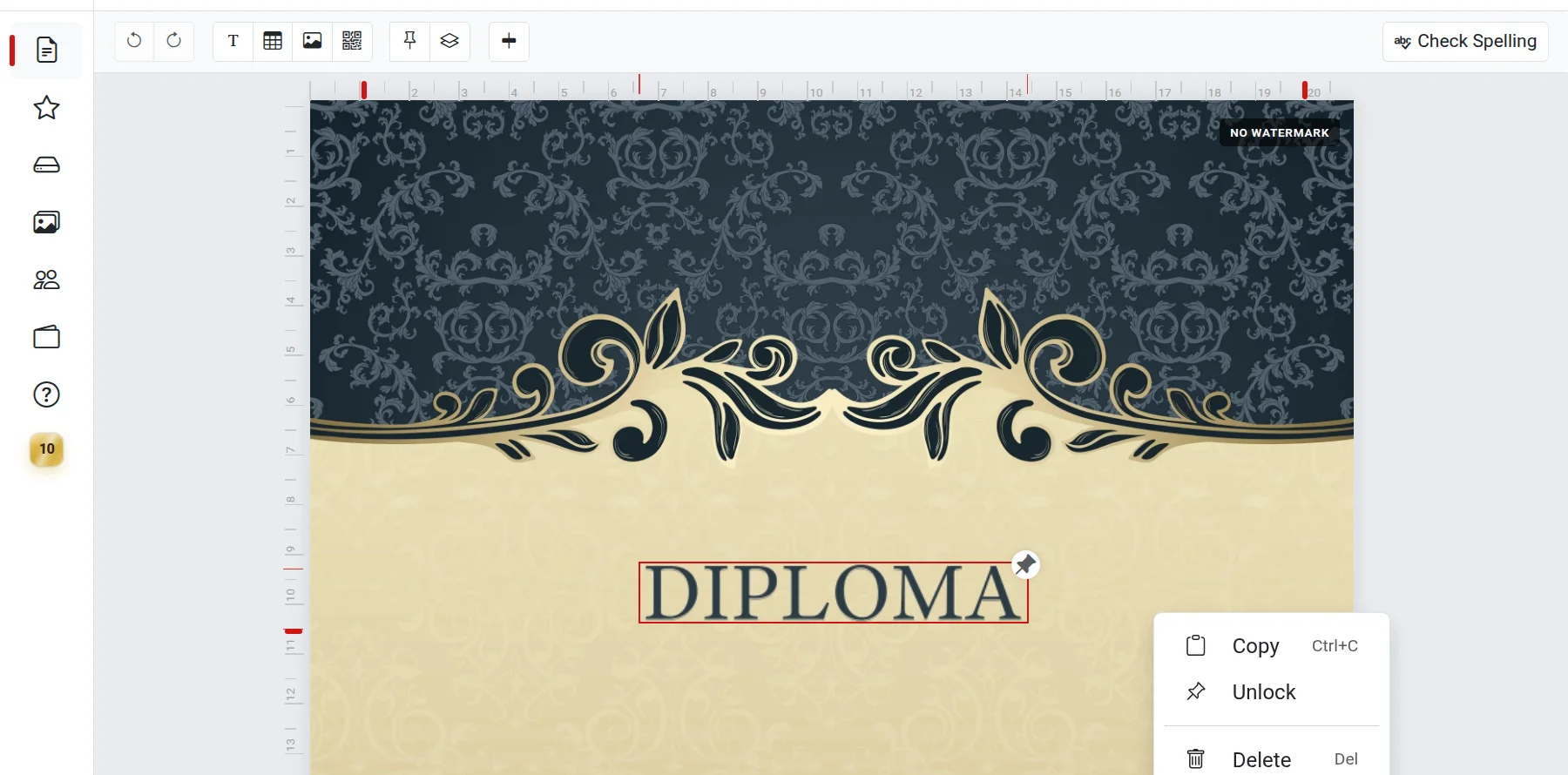
How to convert one block into another
- Inline to floating. Select the inline block and click the Make floating button on the toolbar. The block also becomes floating automatically when you add a second text block or a table to the page.
- Floating to inline. Right-click the block and select Make inline. This is only possible if there are no other text blocks or tables on the page.
Collaboration
When a document is opened by multiple people at the same time, all blocks act as floating blocks. This ensures that everyone can edit their own block without interfering with others.
Troubleshooting
- No "Make inline" button or it is inactive — there are other text blocks or tables on the page. Delete them or move all text into a single block.
- The block won't move — it might be locked. Right-click it and select Unlock.
- Rulers are not visible — they only appear for an inline block and are not shown on mobile devices.